
Why We Insist on Local-First: How MotiClaw Draws the Data Boundary
Client files, quotes, and unreleased plans should not leave your computer just to use AI. This post explains MotiClaw's local-first architecture: what stays local, what goes over the network, and how to choose a hosted-model allowance.
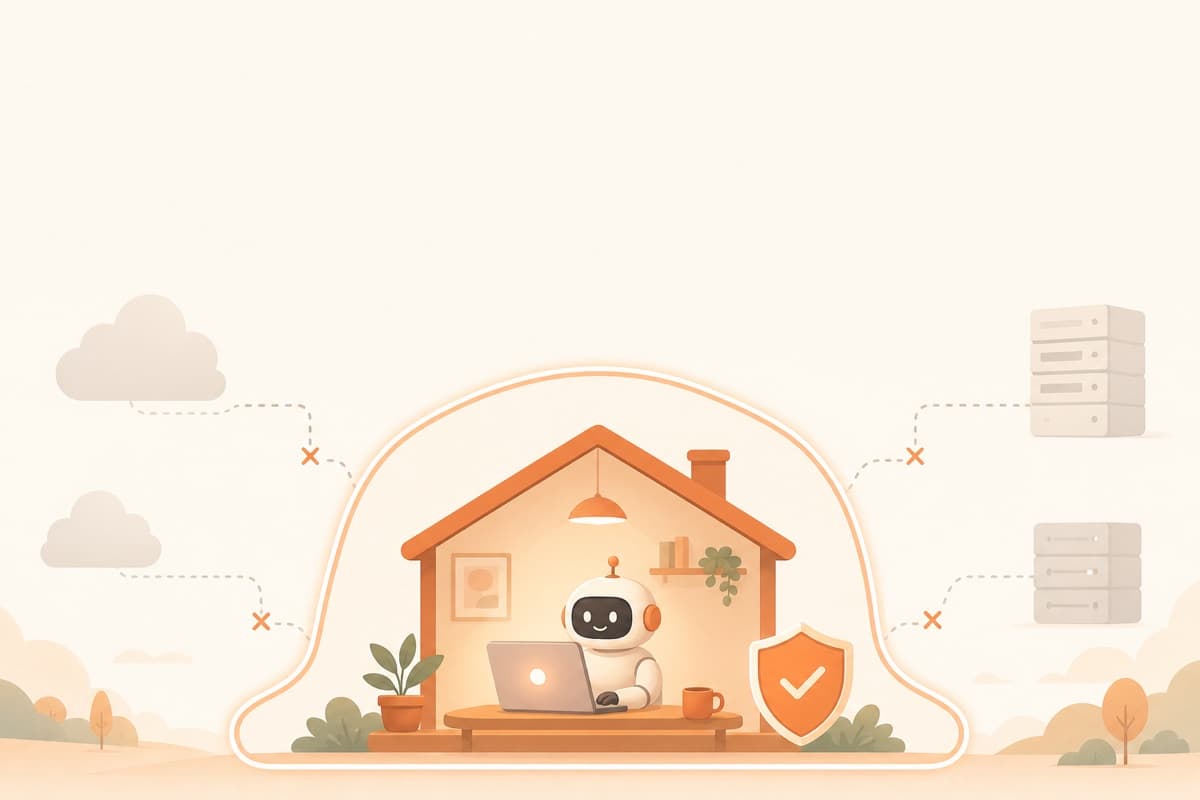
The biggest worry about handing work to AI is rarely "will it do a good job" - it is "where did my stuff go". Client lists, quotes, and unreleased plans should not be handed over as a whole library. MotiClaw keeps work data local by default and only sends requests the active channel or model task needs.
What stays on your device
- Your data: material, notes, chats, and files live on your own machine.
- Your agents: AI partner configuration, memory, and work all run locally.
- Your control plane: install, repair, restart, update - one click, locally, no cloud dashboard required.
What goes over the network
Only two kinds of requests leave your machine: channels you explicitly connect (such as Feishu messaging), and model inference itself. Model calls send only the context needed for the current task - never a bulk upload of your library. You can also plug in your own model gateway to tighten the boundary further.
How to choose a hosted-model allowance
An active Plus or Pro membership lets you use MotiClaw's hosted models without configuring your own. Your data stays on your device.
What this means for different roles
- FDEs / delivery builders: deploy the workbench inside client networks with a data boundary you can explain and verify.
- Founders / solo operators: client files and quotes never leave the device while AI partners keep working.
- Indie AI developers: product code and user feedback stay on your machine; demos and support continue as usual.
Local-first is not a feature toggle - it is MotiClaw's default architecture. To feel it in practice, the previous post walks through getting your first AI partner working three minutes after download.
Get your first AI partner working in 3 minutes
Download MotiClaw for free. Work data stays local by default; only the channels and model calls you connect use the network when a task needs them.
Download free