


Docs Assistant 2
Organizes Word, PPT, Excel, and PDF materials, then keeps them attached to active work.

Docs Assistant 2

Organizes Word, PPT, Excel, and PDF materials, then keeps them attached to active work.
 FeishuMotiClawNo usage
Local AI content creation workspace
MotiClaw is a local AI content creation workspace that brings ideas, source material, creation, and publishing together while AI handles organization, drafting, rewriting, and publishing preparation. Work data stays on your device by default.
Privacy design reference: the U.S. National Institute of Standards and Technology (NIST) describes its framework as helping organizations identify and manage privacy risk
.
MotiClaw / AI partners
Organizes Word, PPT, Excel, and PDF materials, then keeps them attached to active work.
Organizes Word, PPT, Excel, and PDF materials, then keeps them attached to active work.
FeishuMotiClawNo usage
Prepares topics, drafts, and covers so publishing materials are ready before review.

Prepares topics, drafts, and covers so publishing materials are ready before review.
 WeChatMotiClawNo usage
Helps the company lead track goals, tasks, reviews, reminders, and decision follow-ups.

Helps the company lead track goals, tasks, reviews, reminders, and decision follow-ups.
FeishuWeChatMotiClaw69.2K tokens
Owns acquisition, SEO, ads, private traffic conversion, and lead quality follow-up.

Owns acquisition, SEO, ads, private traffic conversion, and lead quality follow-up.
FeishuWeChatMotiClaw70K tokensTurns founder notes, delivery lessons, and market observations into publishable content.
Turns founder notes, delivery lessons, and market observations into publishable content.
WeChatMotiClaw70.9K tokens
Turns feedback, founder ideas, and market notes into a clear requirement backlog.

Turns feedback, founder ideas, and market notes into a clear requirement backlog.
FeishuMotiClaw71.7K tokens
Turns product tasks into shippable changes and keeps dependencies visible.

Turns product tasks into shippable changes and keeps dependencies visible.
FeishuMotiClaw72.5K tokensKeeps Feishu, tasks, knowledge, and recurring operations flowing reliably.
Keeps Feishu, tasks, knowledge, and recurring operations flowing reliably.
FeishuWeChatMotiClaw74.2K tokensPrepares topics, drafts, and covers so publishing materials are ready before review.
Prepares topics, drafts, and covers so publishing materials are ready before review.
WeChatMotiClawNo usageProduct Features
Collect ideas and source material, let AI organize, draft, and adapt them, then prepare to publish from the same workspace.
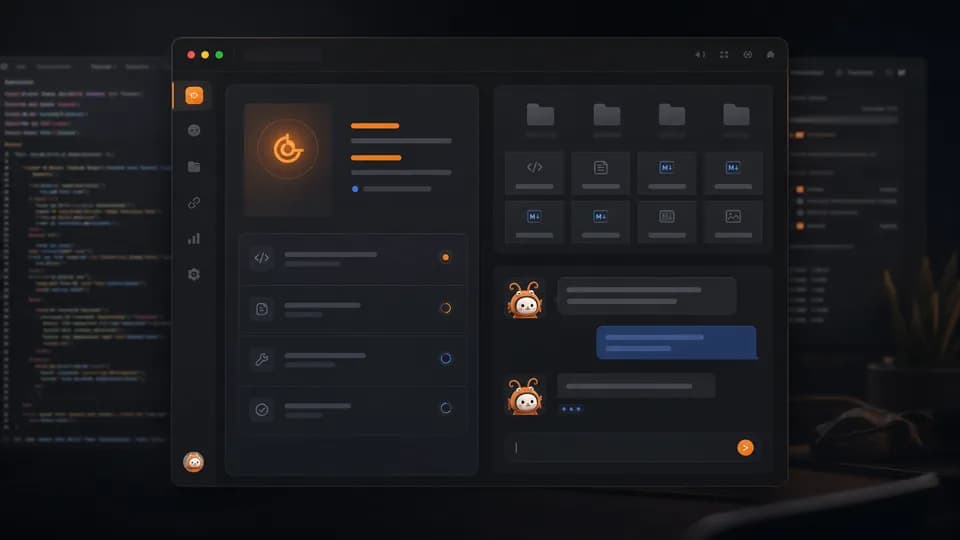
Your AI partners, files, and daily work stay on your own device by default.
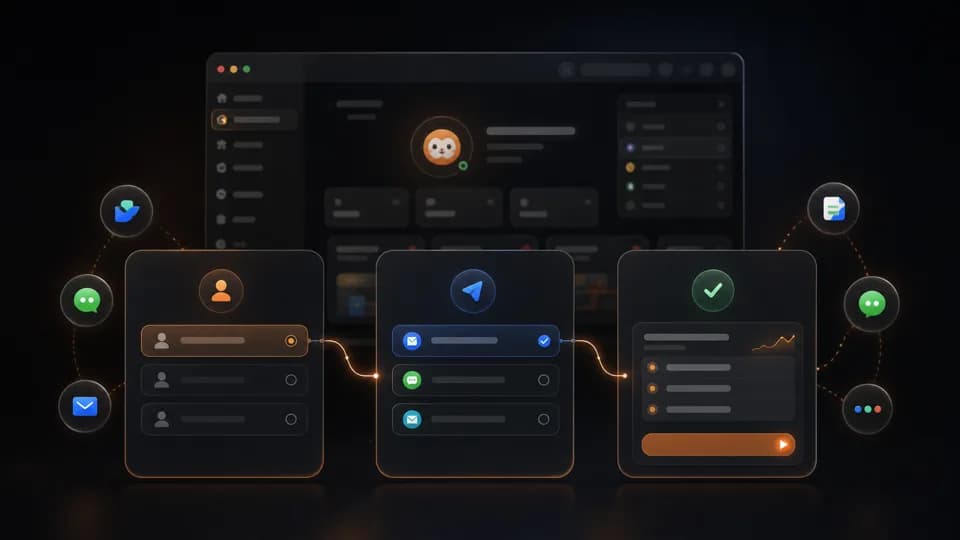
Pick a role, connect a channel, and let the AI partner start handling real work.
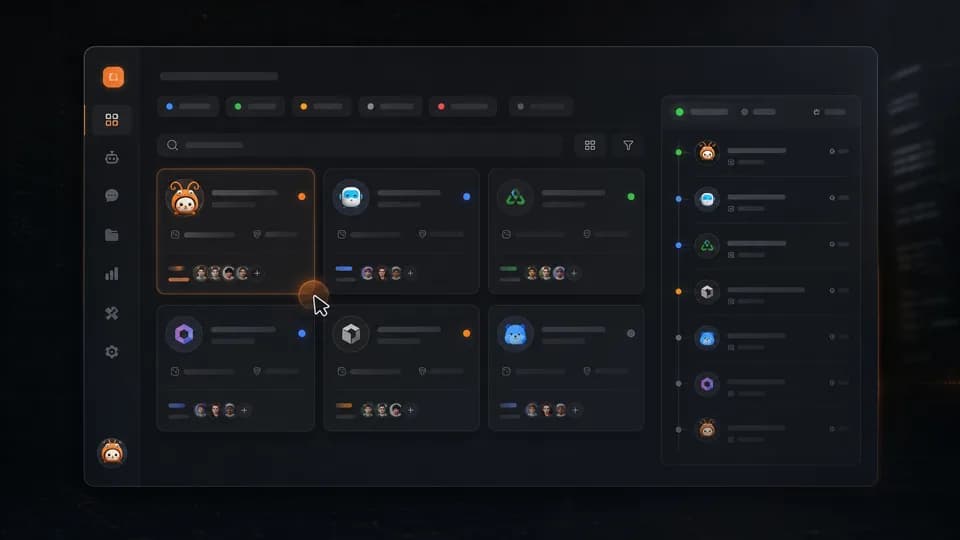
Search, filter, patrol, configure, and review activity without learning technical operations.
User Stories
When chats, docs, screenshots, and promises pile up across tools, the first hour disappears into reconnecting the dots. MotiClaw pulls them back together and turns them into a clear next step
Solo creator
Independent consultant for content and strategy
I was not blocked by writing. I was blocked by having to gather everything before I could even begin
Before work starts, Ethan drops interview notes, saved links, WeChat ideas, and screenshots into MotiClaw. The material gets grouped first, useful angles surface next, and today's first step is already lined up. He still decides what to say; he just does not spend half an hour hunting for files and old messages
BeforeIdeas, source material, and drafts lived across WeChat, browser tabs, docs, and photos
AfterThe raw material is gathered first, then the writing angles and first task appear
Founder
Owner of a small consulting team
The hard part was not having more clients. It was that every next step lived in my head
Shuxing spends the day replying to clients, checking delivery, and adjusting quotes. Before, meeting notes, promises, and delivery dates were split between WeChat, Feishu, and spreadsheets. Now one meeting note is enough to surface the next action, the reminder, and the key changes. He still makes the call; he no longer has to be the backup memory for everything
BeforeNext steps hid in chat threads, notes, and spreadsheets
AfterEach client has a current action, a reminder, and the key context in one place
AI indie developer
Solo builder shipping an AI product
The hardest part was not coding. It was that release day made everything feel urgent at once
Mia writes code, answers users, updates docs, and ships releases herself. Before launch, user group messages, bug reports, screenshots, release notes, and loose todos all crashed together. Now MotiClaw groups repeated issues, lists what must be checked before shipping, and turns the common questions into draft docs. She still decides what ships; she just is not dragged around by a dozen open tabs
BeforeFeedback, bugs, release notes, and todos were mixed together
AfterSupport, docs, and launch prep each get their own first pass
Capabilities
From installation to daily operations, from AI partner onboarding to full lifecycle management — one interface to get it all done.
AI partner workspace
Onboarding, identity, runtime status, channel access — manage the full AI partner lifecycle in one view.
One-click ops
Install, repair, restart, update — one click, done. No commands to remember.
Flexible config
AI models, gateway, system parameters — a visual config panel that keeps every setting clear and in control.
Data insights
Token usage, call frequency, cost trends — multi-dimensional data at a glance.
Next step
If you are deciding whether MotiClaw fits your work, start from the path closest to your situation: install it, check local deployment, compare capabilities, or read the page for your role.
Check platform support, public installers, and the first step after download.
See if this fitsDecide whether local-first operation, data boundaries, and maintenance fit your work.
See if this fitsSee the AI partner workspace, one-click operations, configuration, and data insights.
See if this fitsSee filtering, search, patrol, and task timelines directly on the homepage.
See if this fitsFor agent onboarding, status, configuration, operations, and ongoing management.
See if this fitsFor AI consulting, client deployment, and repeatable delivery workflows.
See if this fitsFor client scope, deployment, data boundaries, and maintenance handoff.
See if this fitsFor configuration notes, health checks, maintenance ownership, and client feedback.
See if this fitsFor agent products, demos, configuration, operations, and ongoing maintenance.
See if this fitsFor agent management, service configuration, client demos, and delivery maintenance.
See if this fitsFor agent demos, client trials, feedback tracking, and long-term maintenance.
See if this fitsFor topic planning, asset organization, publishing checks, and lead follow-up.
See if this fitsFor topic sources, asset pools, publishing checks, lead feedback, and recap rhythm.
See if this fitsClassify the work before choosing an AI partner, a contractor, or an employee.
See if this fitsFor repeated founder decisions, option preparation, and risk reminders.
See if this fitsFor choosing the first repeated founder workflow to hand to AI.
See if this fitsFor gathering scattered work, managing AI assistants, and keeping execution moving.
See if this fitsFDEs and AI delivery builders
Start from the client scenario, then hand over a local AI partner workbench that can be maintained.
AI indie developers
Keep product demos, agent management, configuration, operations, and customer support on a steadier path.
OPC and operations leads
Turn topics, assets, publishing checks, and lead follow-up into a repeatable AI content operations system.
Founders and solo operators
Begin by gathering scattered work, then keep reminders, follow-up, and repeated tasks moving through AI assistants.
FAQ
Answers about downloading MotiClaw, AI partner limits, membership plans, and data safety.
Many cloud AI assistants work like an online workspace: you move material into the cloud, then ask a cloud assistant to process it. MotiClaw works more like an AI partner workbench installed on your own computer: your work data stays local by default, AI partners can use local files, images, projects, and tools within the permissions you give them, and you can keep building, assigning, and adjusting your own team.
| Area | Common cloud AI assistants | MotiClaw |
|---|---|---|
| Where data lives | Material is usually uploaded or synced into a cloud workspace. | Work data stays on your computer by default and is not force-uploaded to the cloud. |
| How you use AI | Most work happens in a web app or cloud workspace through chat, generation, and task handling. | You manage AI partners in a local desktop app and let them work around your local files and daily tools. |
| How the team is built | You mainly use the platform's shared assistants, plugins, or expert capabilities. | You can claim, configure, and tune AI partners for different roles so they become your own working team. |
| Delivery and maintenance | Best suited for directly using a hosted cloud service. | Best suited for giving yourself or a client a local AI workbench with a clear data boundary and ongoing maintainability. |
| Simple way to think about it | Like renting an online AI assistant. | Like installing a manageable AI partner team on your own computer. |
MotiClaw is a local-first AI partner and agent control platform. You install, configure, and manage a team of AI partners on your own computer to handle content creation, operations, and development workflows.
Yes. MotiClaw is free to download and use, and the free tier supports up to 8 AI partners. For more hosted-model allowance and a bigger team, subscribe to Plus (¥68/month or ¥680/year, 16 AI partners) or Pro (¥199/month, 32 AI partners).
The MotiClaw desktop app currently supports macOS and Windows. Installers are available on the official download page.
MotiClaw uses a local-first architecture: your work data stays on your machine by default and is never force-uploaded to the cloud, so you can safely let AI partners work with internal material.
The free tier supports up to 8 AI partners. Plus raises the cap to 16 and Pro to 32, so you can scale the team as your workload grows.
Plus and Pro provide different hosted-model allowances. Choose Plus for everyday use, or Pro when you use MotiClaw more often or run more tasks.
Visit the official download page, pick the macOS or Windows installer, and follow the setup guide. Sign in with the same account and your membership benefits sync to the desktop app automatically.
MotiClaw is built for solo builders who want to multiply their output with AI, forward-deployed engineers (FDEs) delivering AI for clients, founders building lean AI-powered teams, and indie AI developers.
Contact
Recommended download
Released on 10/18/2026
Contact
Scan in Feishu to join the group chat.
This QR code is permanent and valid for new members.