
01
Configuration users can revisit
Document models, services, permissions, runtime location, and important switches in plain language.
Playbook
A working demo only clears the first bar. The long-term value depends on handoff: where the agents run, which settings should not be changed casually, how the client checks status, and who handles issues first. MotiClaw helps turn that handoff into a local-first workbench the client can keep using.
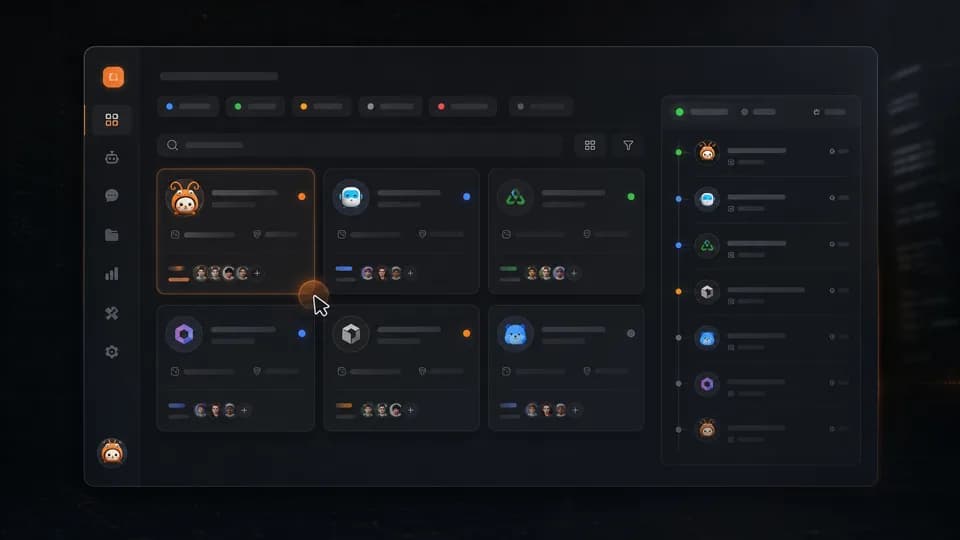
Use this capability view to understand how the product enters the work; the interactive preview and verified screenshots remain the product truth.
Open interactive preview01
Document models, services, permissions, runtime location, and important switches in plain language.
02
Turn status, updates, incidents, and feedback into a short checklist the client can repeat.
03
Clarify what the client owns, what the FDE owns, and what a later support partner should handle.
Start here
Put inputs, execution, and human review into one clear path before expanding it.
Explain where the agents run, which services they depend on, what data enters the workbench, and where human confirmation is still required.
Turn launch status, connection status, configuration changes, incident notes, and update records into a checklist the client can review weekly.
Clarify who owns daily use, configuration changes, incident triage, and what feedback must be gathered before the next expansion.
Many AI deliveries look good during the demo, but real use quickly raises questions about configuration notes, permissions, data boundaries, incident handling, and responsibility.
If the handoff only lives in conversation, the client soon returns to asking the delivery builder for every problem. FDEs need materials that can be revisited, checked, and expanded.
A good handoff checklist does not expose every technical detail, but it does tell the client what should not be changed casually, where to look first, and when to ask the FDE for confirmation.
A local-first MotiClaw workbench can carry that context: agent roles, service configuration, data boundaries, runtime state, maintenance notes, and next actions can stay on one path.
At handoff time, the most important goal is stable use and accurate feedback, not promising that every maintenance action will run automatically.
Once the client can run regular checks and the FDE can see what should be expanded next, deeper automation has a much clearer base.
People searching for AI delivery handoff, FDE client delivery, or AI agent maintenance checklists are usually looking for responsibility, maintenance, and reuse after the first build.
This page connects configuration notes, health checks, ownership, and next actions so it can support client handoff, internal review, and community tutorials.
FAQ
Start with runtime and ownership boundaries: where the agents run, which services they depend on, what data enters the workbench, what still requires human confirmation, and who handles issues first.
Write it as actions the client can perform. Explain what not to change casually, what to check during a review, and what to do first when something looks wrong.
When the configuration notes, health checks, maintenance ownership, and feedback records cover most recurring questions, it is ready to become the base for the next client delivery.
Next
For FDEs and AI delivery builders, this guide explains how to turn client needs, deployment prep, agent configuration, data boundaries, and maintenance into a repeatable local AI delivery path.
MotiClaw fits FDEs and AI delivery builders who need one local-first platform for consulting, deployment, configuration, and long-term client handoff.
See how MotiClaw brings agent onboarding, status, daily operations, configuration, and delivery into one local-first workbench for FDEs, AI indie developers, and founders.
For AI indie developers, this guide compares what must be stabilized between agent demos, client trials, configuration handoff, and long-term maintenance.
Run the first step